User manual
Introduction
My Account
My Timelines
Create and edit a timeline
Export and import
Create and edit an event or period
Vertical view
Horizontal view
Troubleshooting
My account
Create an account
You need a user account to use TimeDivers.
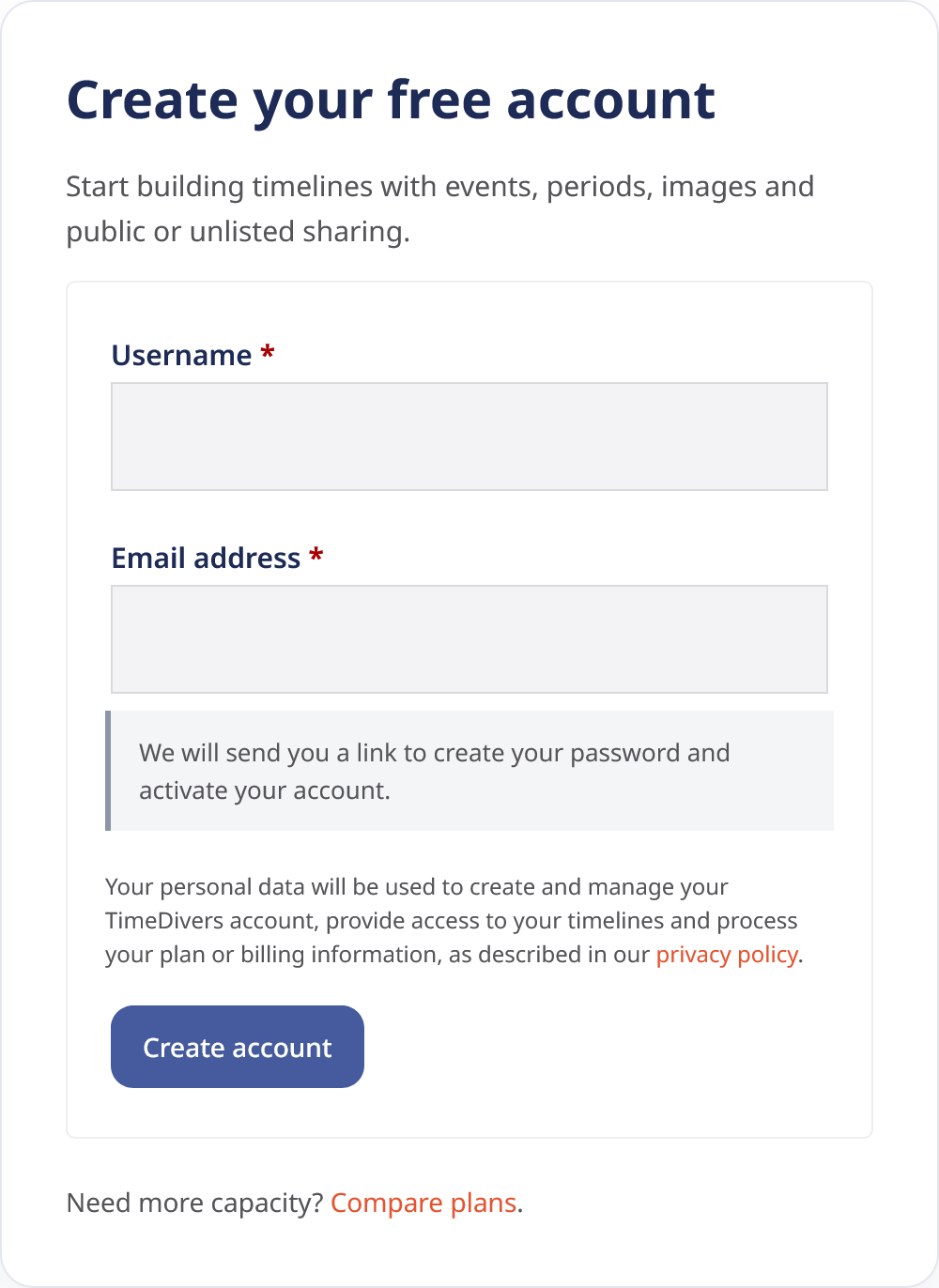
You can create an account from the registration page by entering the requested information in the form. Once your account has been created, you will be able to sign in and access the features available under your plan.
Your account provides centralized access to TimeDivers and is associated with your timelines, user information and the options available for your subscription.
Sign in
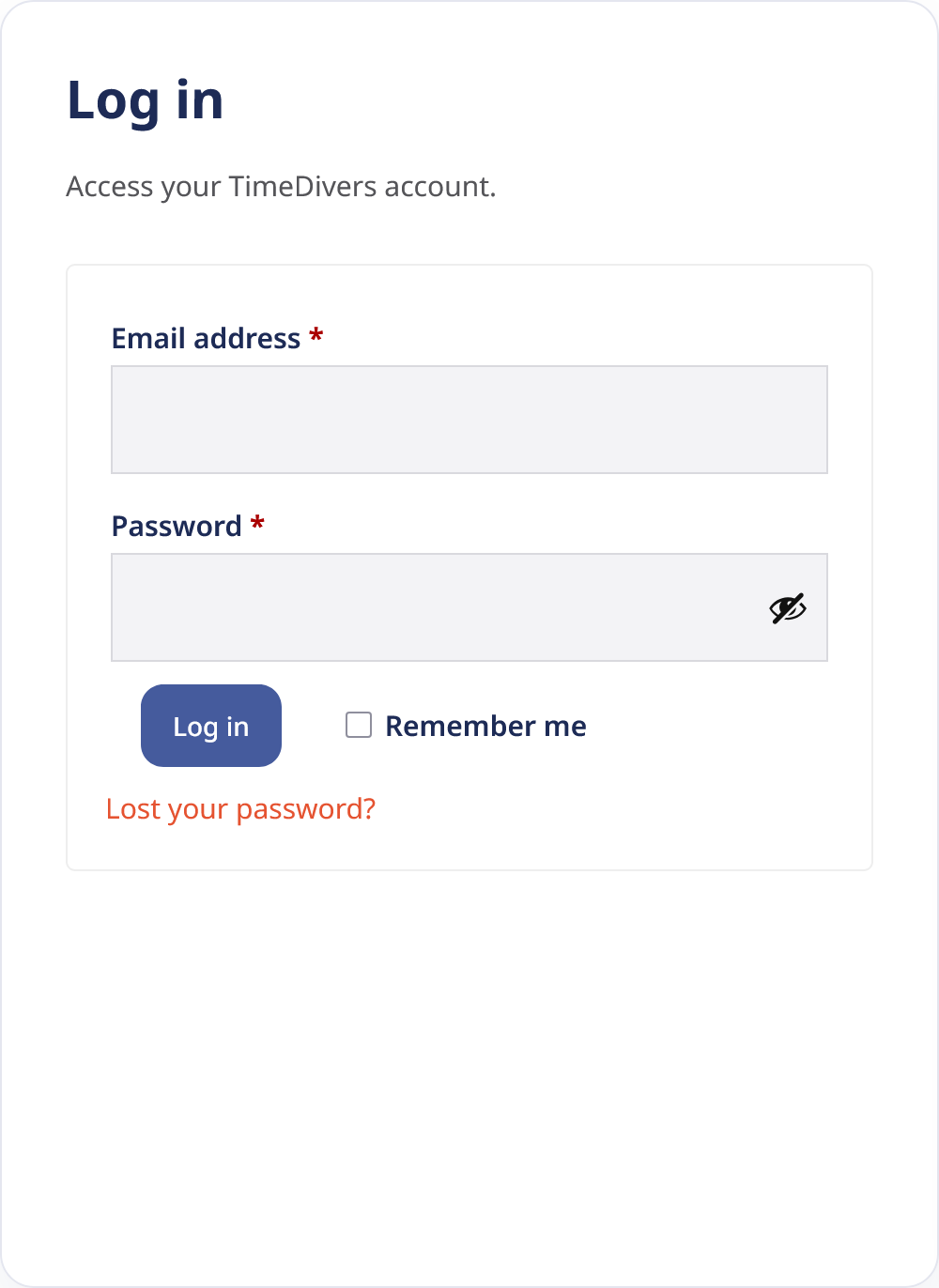
To access TimeDivers, go to the sign-in page and enter your account details.
Once signed in, you will be able to access your timelines, create new ones, edit existing ones and manage your account settings.
If you do not remember your password, use the recovery option available on the sign-in page.
Manage your account
The My account section brings together the options related to your user account, subscription and TimeDivers billing.
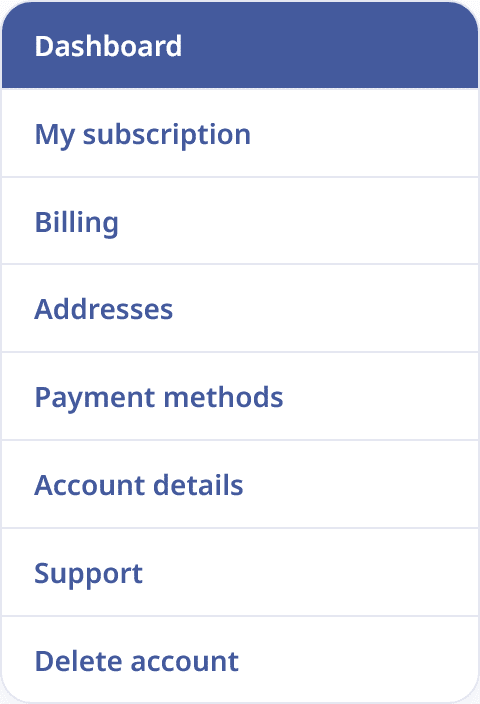
From this section, you can view your general account information, check the status of your subscription, access your orders and invoices, manage your addresses, update your payment methods, edit your basic profile information, contact support when this option is available and request the deletion of your account.
Account deletion is permanent. Before continuing, TimeDivers will show you which data will be deleted and which information may be retained when necessary for administrative, legal or commercial reasons.
The specific options displayed under My account may vary depending on the type of account, the selected plan, the status of the subscription and the configuration active at any given time.